
Restaurant software: how it works
Duration 0:52 · Published
The video is in Albanian. The full text in English is below.
How custom restaurant software works: one system from the table to the fiscalized invoice, with tables, orders, billing, kitchen screens and stock tied to recipes. One order reaches the kitchen, the invoice and the stock on its own.
Text in the video
RESTAURANT SOFTWARE · Do you know what you · really have in the kitchen? · The register, the notepad and the inventory don't talk to each other.
THREE SEPARATE TOOLS · Where orders get lost · − · Paper tickets to the kitchen, at peak hour · − · Stock is counted by guesswork, not by sales · − · The register, the notepad and the inventory sheet don't match · − · One connection drop and service stops
ONE SINGLE SYSTEM · From the table to the invoice, · in one flow · POS · Fast checkout, split bills · TABLES · Floor plan and status · ORDERS · From the waiter straight to the kitchen · KITCHEN · Screens for the kitchen and the bar · INVOICES · Fiscalization with NIVF/NSLF · INVENTORY · Deducted as it sells · RECIPES · Linked to ingredients · REPORT · Food cost and margin
ONE ORDER, THREE RESULTS · The table's order goes · everywhere by itself · TABLE 5 · EXAMPLE · Starter · x2 · Main course · x2 · Drinks · x3 · Sent to the kitchen · Fiscalized invoice · Stock deducted
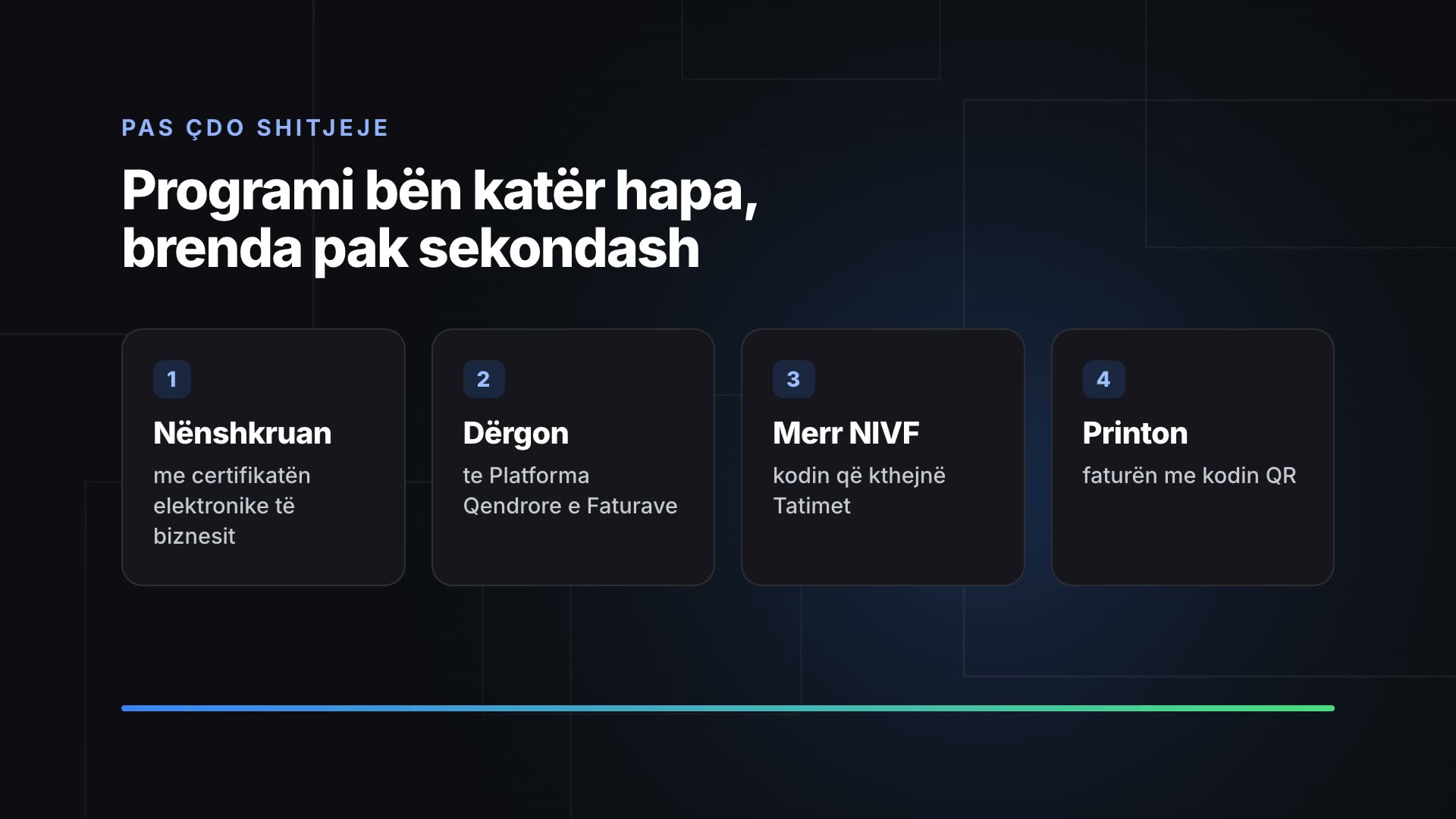
FISCALIZATION · Every invoice is fiscalized · before the customer pays · REGISTER · Closed order · TAX AUTHORITY · Real-time transmission · INVOICE · With QR code · NIVF / NSLF
HOW WE START · Built around your menu and dining room · Adapted to your menu and floor plan · If a ready-made product is enough, we say so · A written estimate, agreed beforehand
Restaurant software · From the table to the invoice, in one system. · square.al
Related pages
More videos
Square Software: the company and its products
Albanian fiscalization in 60 seconds

Square Tender Alerts: how it works

SunEasy beach booking: how it works
OrderEasy restaurant ordering: how it works
Invoicing software in Albania: what it has to do
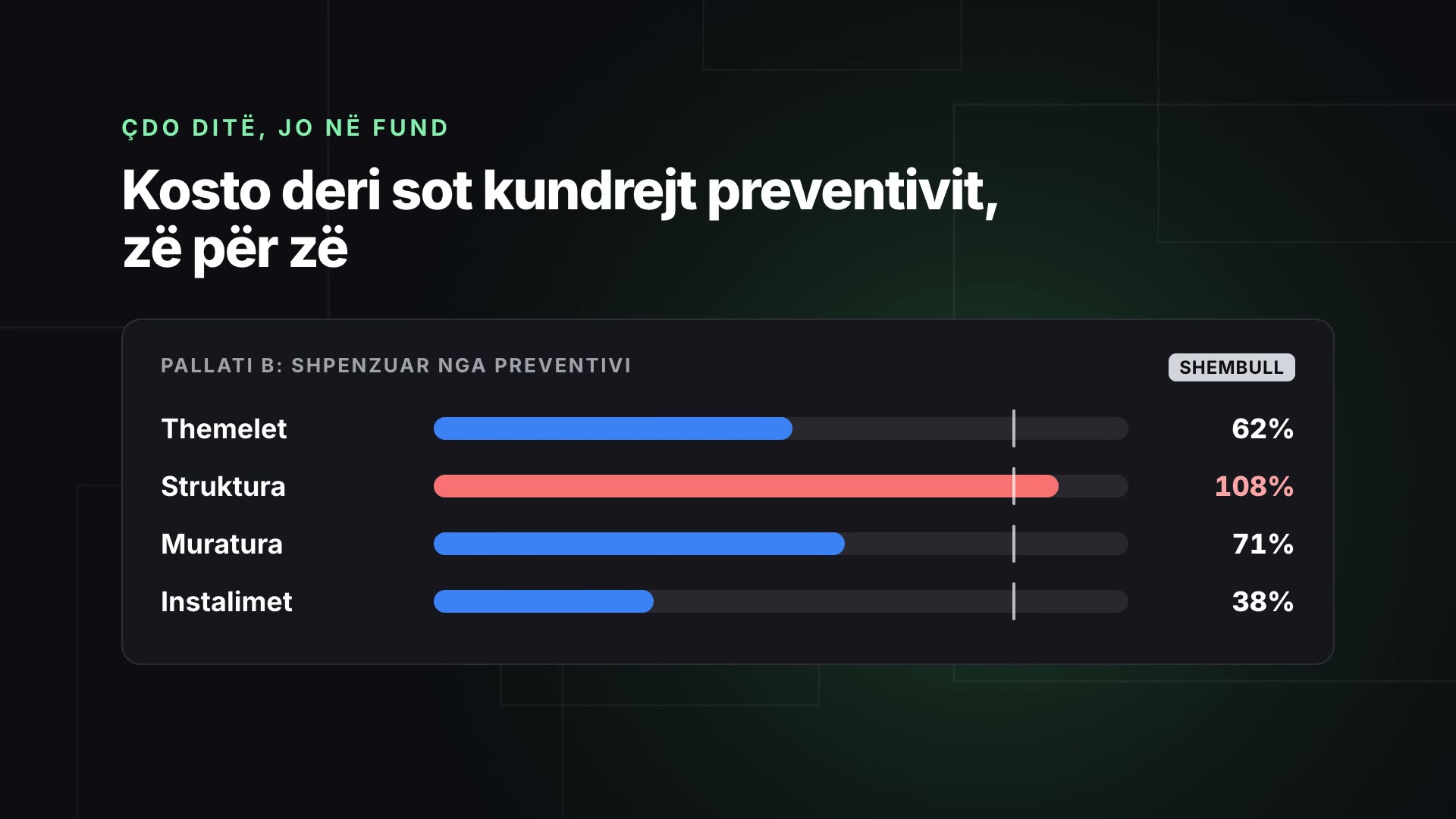
Software for construction companies: how it works
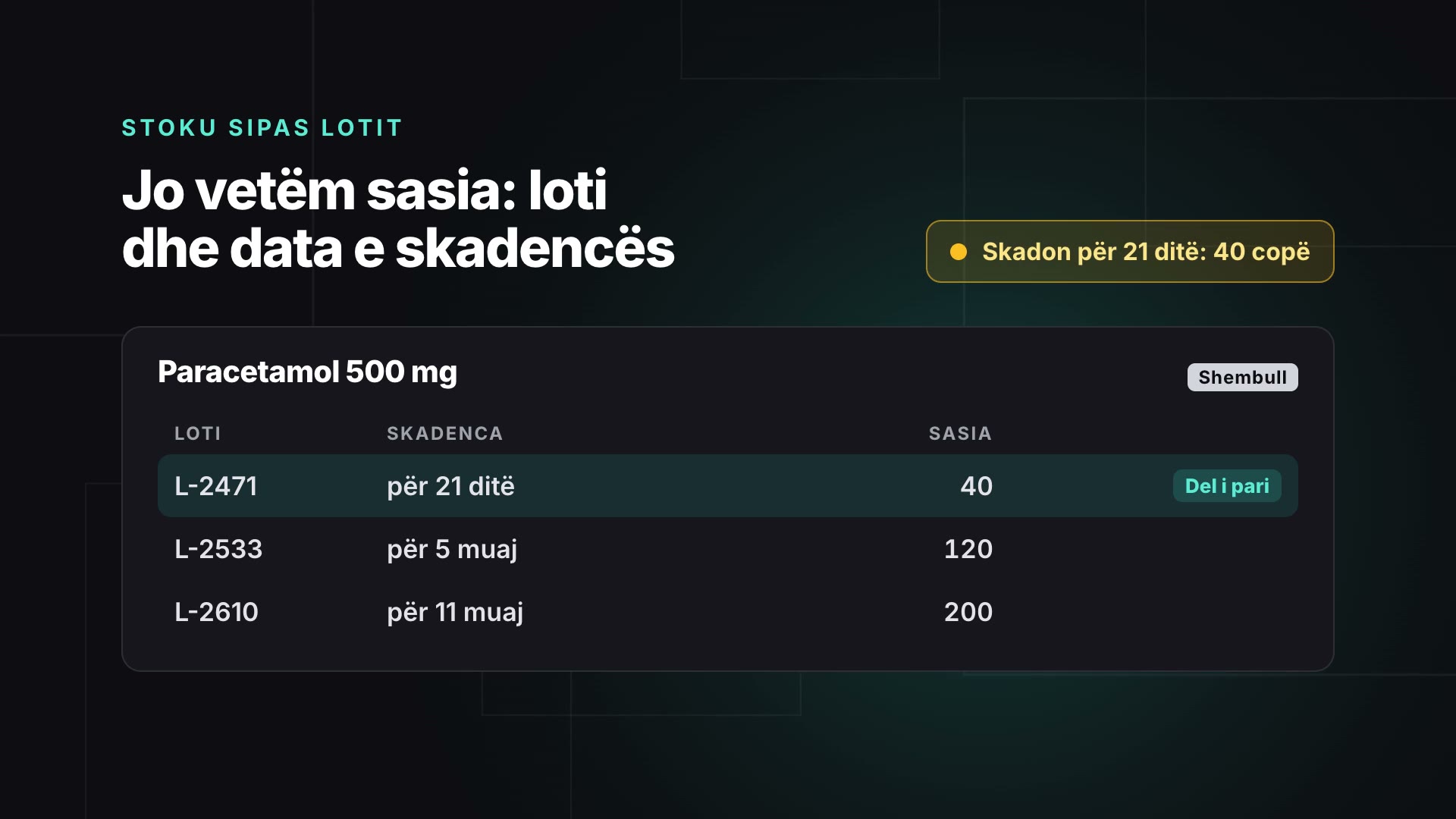
Pharmacy software: how it works
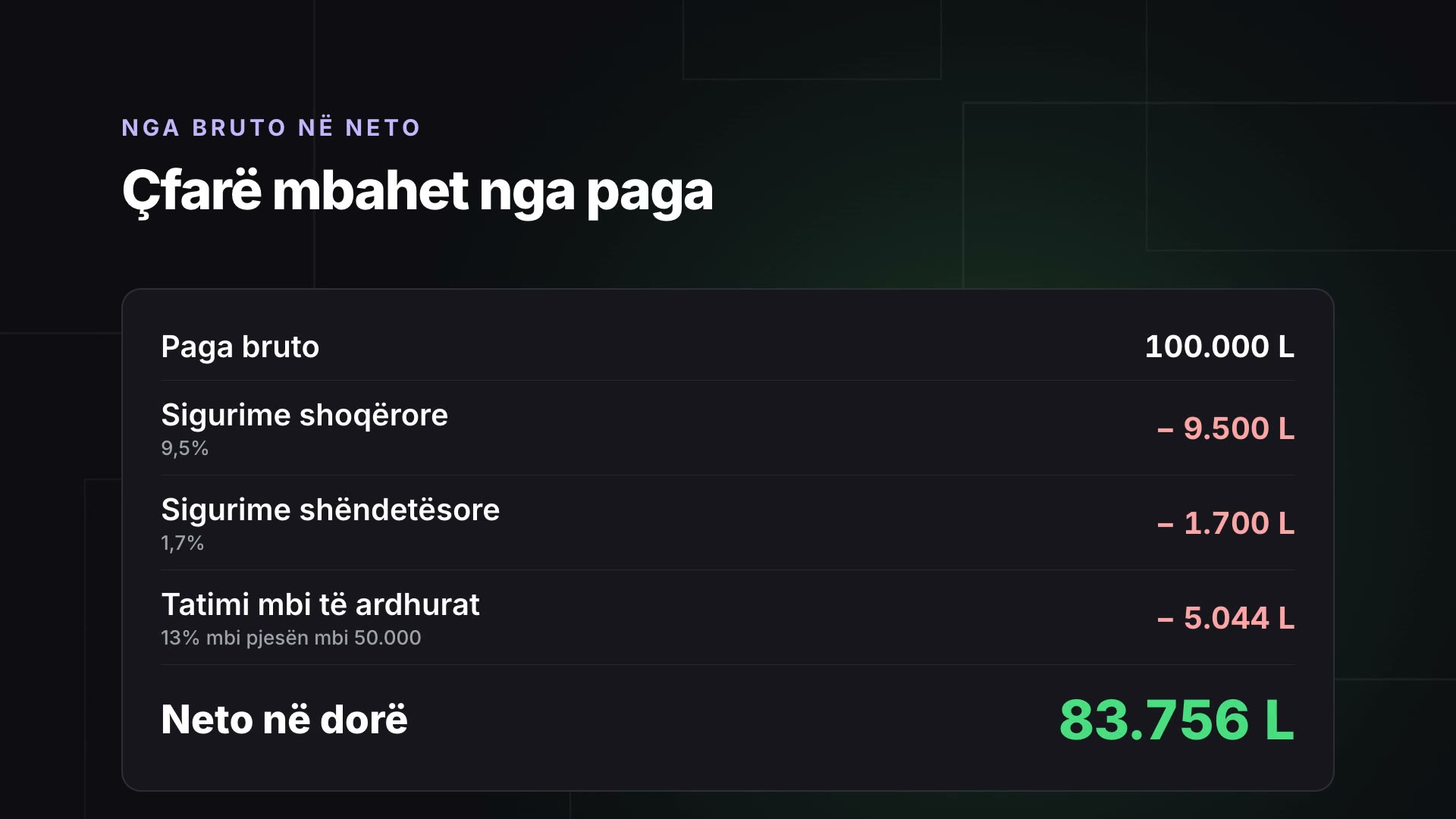
Albanian salary 2026: gross to net explained
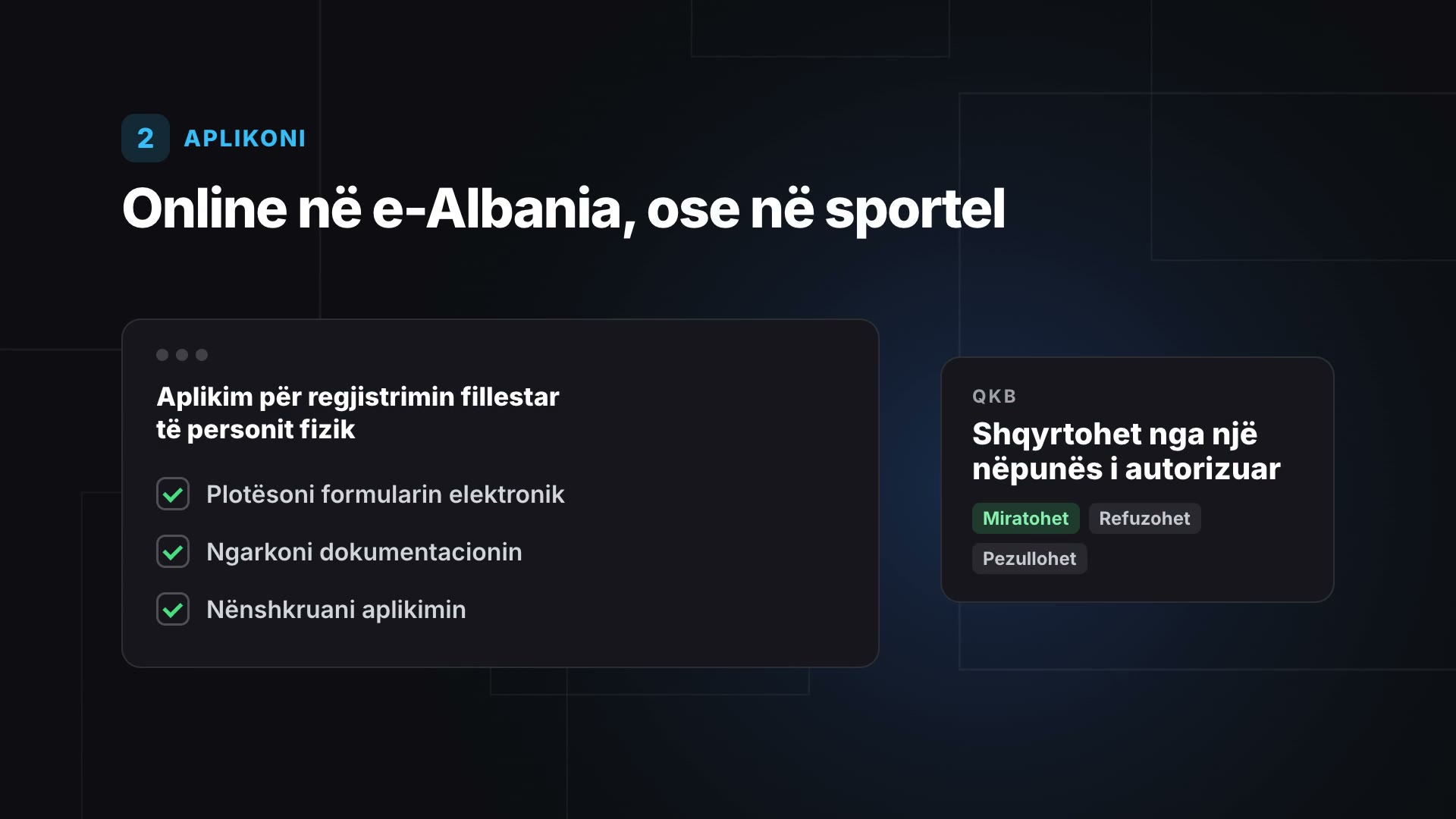
How to get a NIPT in Albania: 4 steps
Business website development: how it works

Hotel software: how it works
Tour operator software: how it works

Business management software: how it works
How to open a business in Kosova